Native Meta Quest · VR + MR
Pinball Arcade
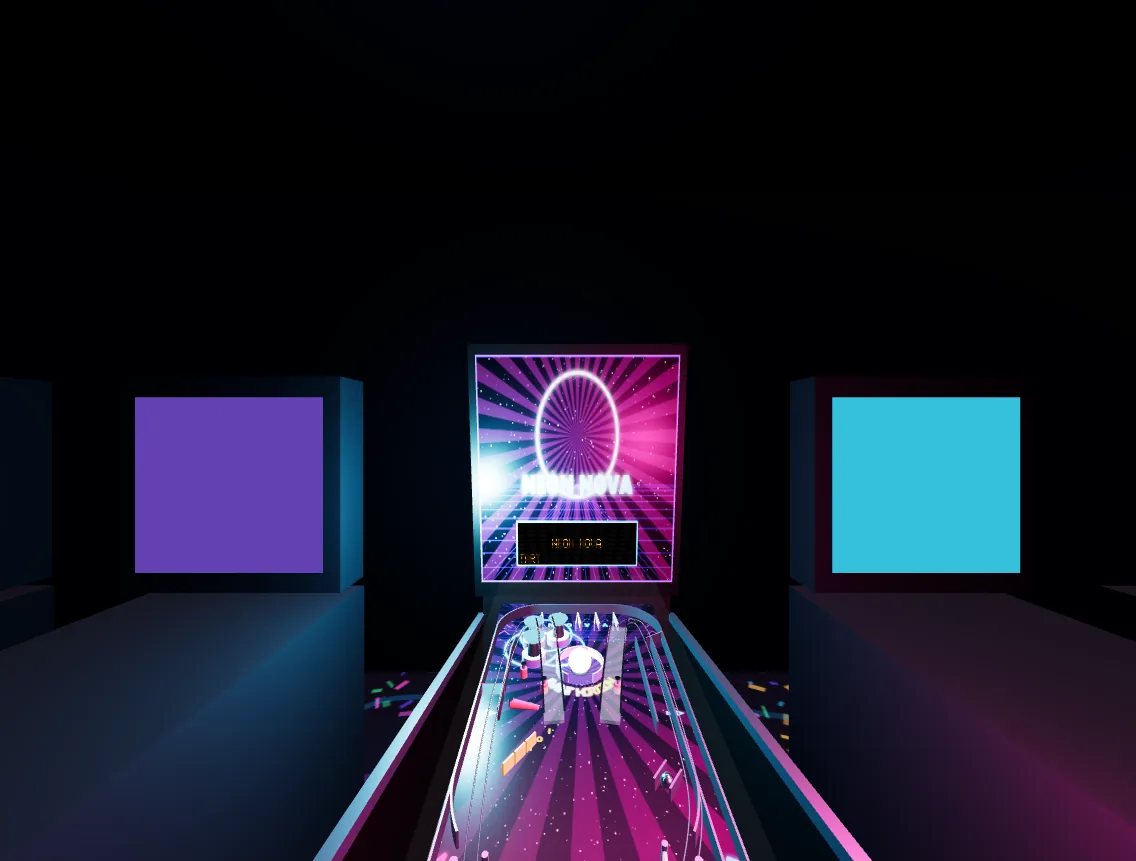
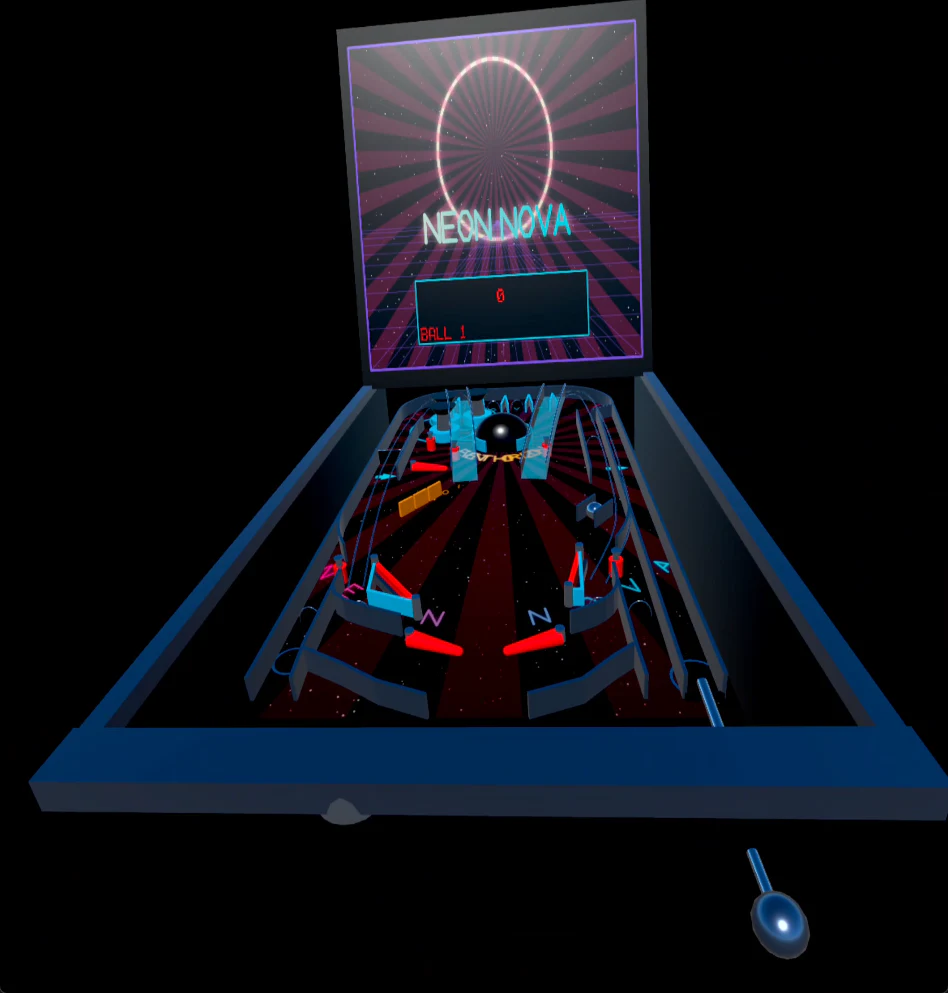
Stand at a full-size NEON NOVA cabinet, reach for the controls, and turn your room into an arcade.
Project transmission
About Pinball Arcade
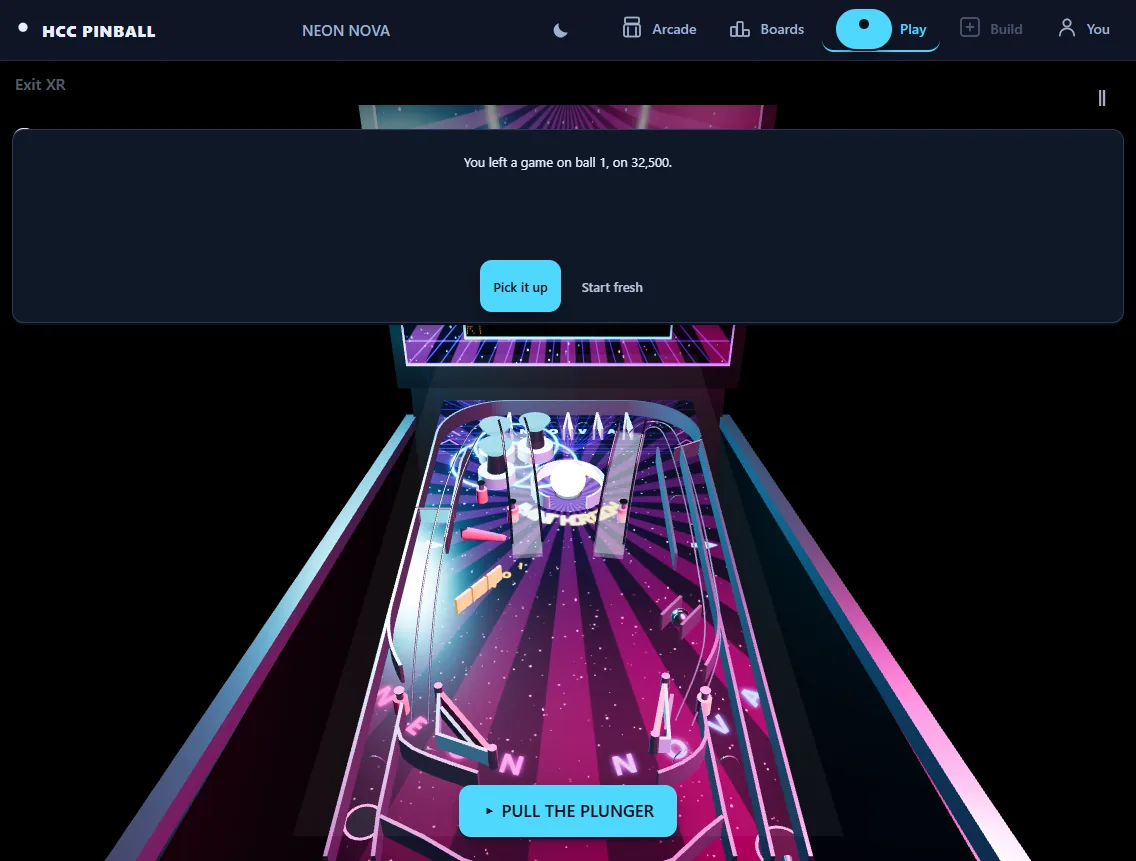
The native Quest edition is designed to make NEON NOVA feel physically present. In mixed reality the cabinet can stand at room scale or shrink to a tabletop machine; in VR it becomes the centerpiece of a neon arcade. Tracked hands or controllers operate cabinet-side flipper buttons and a pullable plunger, while physical cabinet contact drives nudging and tilt behavior.
A seated comfort mode keeps the full game available without reaching. The native client shares the same deterministic machine definitions and simulation goals as the browser edition, with headset-specific spatial sound, placement tools, automatic hands/controller switching and wrist controls.
Before you launch
At a glance.
Current project details, verified against the game’s implementation and official destination.
- Platform
- Native Meta Quest app
- Reality modes
- Virtual reality and mixed reality
- Input
- Tracked hands or Touch controllers
- Placement
- Room-scale cabinet or tabletop machine
- Comfort
- Standing play plus a seated comfort mode
- Store
- Official Meta Horizon Store listing is live
Why this world stands out
Built around the experience.
Reach for the cabinet
Cabinet-side flipper buttons and a pullable plunger turn the table into a spatial object instead of a flat controller abstraction.
Arcade or your own room
Play around a full-size machine in a neon VR arcade or place and resize the cabinet in mixed reality.
Interaction that adapts
Automatic hand and controller switching, wrist controls and seated options keep the machine usable across different play preferences.
Player questions
Know before you go.
Project information updated 2026-08-27.Does Pinball Arcade support mixed reality?
Yes. The cabinet can be placed in the player’s room at room scale or resized into a tabletop machine.
Can I play seated?
Yes. A seated comfort mode keeps the full game available without requiring the player to reach around a standing cabinet.
Can I use hand tracking?
The native Quest edition supports tracked hands and Touch controllers, with automatic switching between the available input methods.