Also on QuestVR + MR
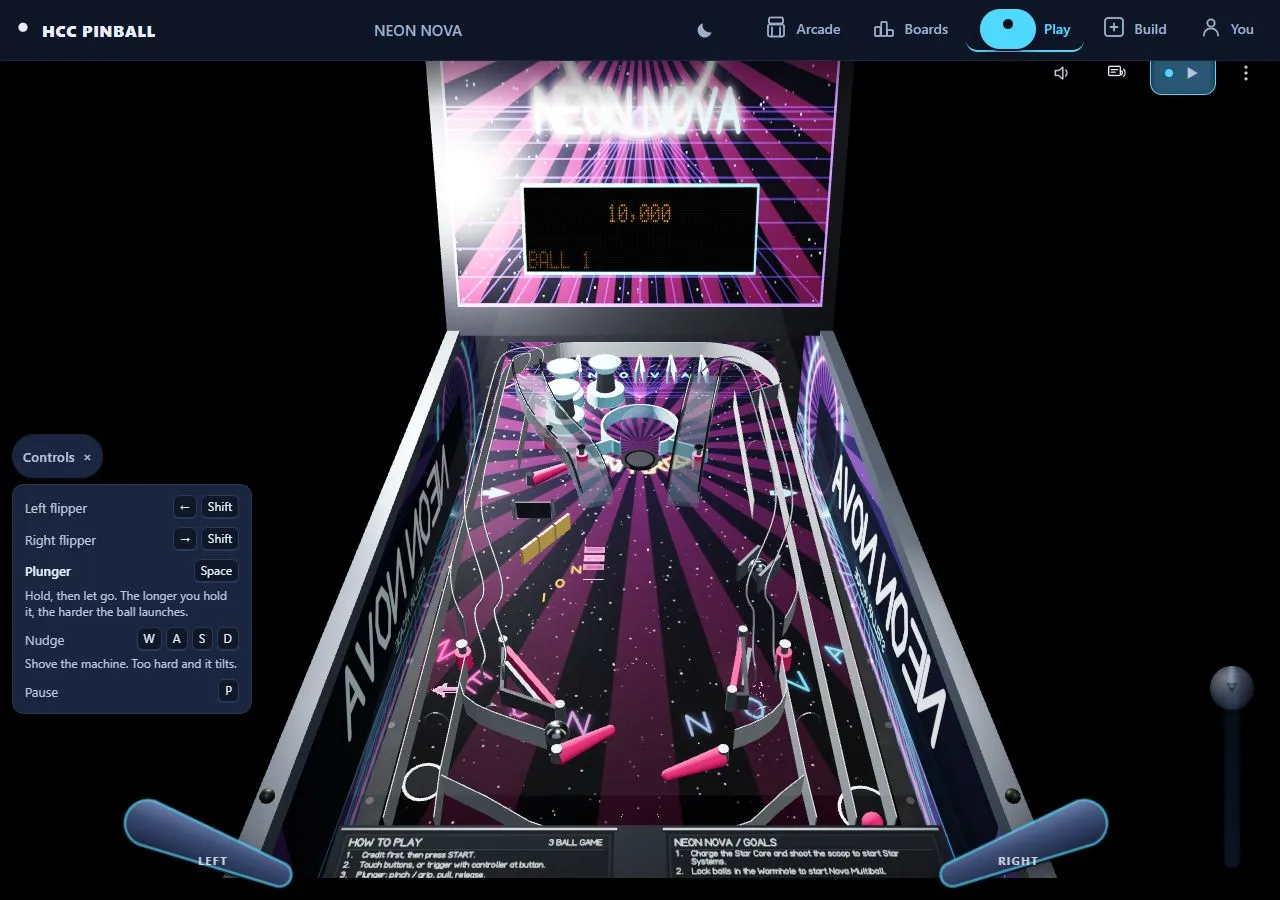
Browser arcade · NEON NOVA
Playable nowPinball Arcade
A true-feeling 3-D pinball machine you can launch in seconds—no download and no account required to start.
Web3-D1–4 local playersPhysics-first
Independent web, mixed reality and virtual reality games
Chase a pinball high score, settle in for chess, or leave Earth in a lunar rover. Original games for your browser and Meta Quest.
Start in your browser without a download or sign-up.
01 / Instant play
Pull the plunger on NEON NOVA or sit down at the chessboard. Play opens the game in a new tab.
Browser arcade · NEON NOVA
Playable nowA true-feeling 3-D pinball machine you can launch in seconds—no download and no account required to start.
Browser strategy · No download
Playable nowPlay instantly in 2-D or 3-D, challenge Stockfish, and move from a browser board into immersive chess.
02 / Headset editions
Step inside a neon arcade, sit across a chessboard, drive the lunar surface or preview the upcoming Euchre table. Check each game for virtual and mixed reality modes.
Native Meta Quest · VR + MR
Quest listing liveStand at a full-size NEON NOVA cabinet, reach for the controls, and turn your room into an arcade.
Native Meta Quest · Spatial chess
Quest listing livePlace a dimensional chessboard in your room or sit across from it inside an immersive virtual study.
Native Meta Quest · Project Selene
Quest listing liveDrive an Apollo-inspired rover across deterministic lunar terrain where low gravity changes every slope, crater and landing.
Native Meta Quest · Card table
Preview / beta on Meta QuestEuchre for Quest 3 and 3S, with three AI opponents, mixed reality and a cosy VR den. Preview/beta.
Ways to play · Headset editions
Compare browser play, native Quest apps, virtual reality and mixed reality before choosing where to begin.
| Game | Browser | Quest app | VR | MR |
|---|---|---|---|---|
| 01Pinball ArcadeQuest listing live | ✓Play | ✓App | ✓VR | ✓MR |
| 02ChessQuest listing live | ✓Play | ✓App | ✓VR | ✓MR |
| 03Moon BuggyQuest listing live | —Not offered | ✓App | ✓VR | —Not offered |
| 04EuchrePreview / beta on Meta Quest | —Not offered | ✓App | ✓VR | ✓MR |
Swipe to compare platforms
Open the complete compatibility guide03 / From the same makers
Explore tools from Holmes Computer Consultants for everything from organizing a portfolio to running a live sports draft.
06 websites onlineVisit each partner’s official website in a new tab.
Every portfolio · one ledger
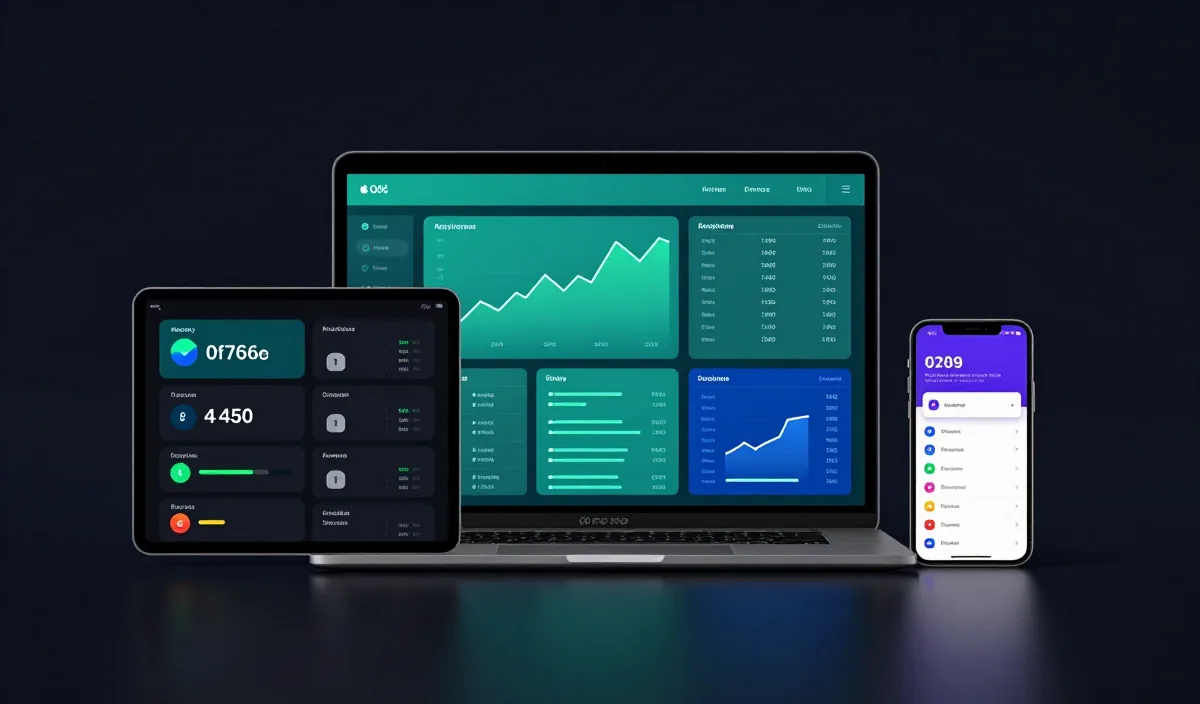
Positions, performance, household and entity rollups, estimated US and Canadian tax data, alerts and eight opt-in AI research tools all read from the same transaction history—imported without sharing brokerage credentials.
Food requirements · person or family
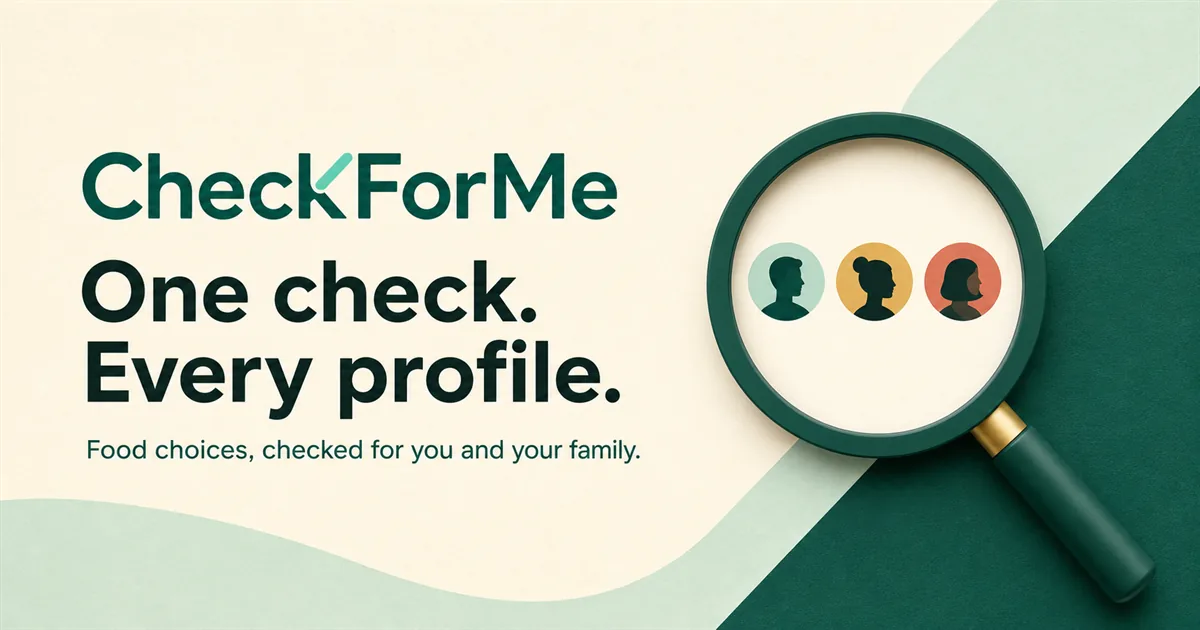
One capture produces a separate, evidence-linked result for every selected family member—not just a generic food score—while keeping conflicts, missing evidence and uncertainty visible.
HCC / AI TRANSFORMATIONStrategy into
systems.
AI strategy · build · adoption
One accountable three-phase engagement connects strategy to implementation and workforce adoption—including legacy-system integration and governance—backed by more than 26 years in enterprise technology.
SPECIALPHOTOS.CAFrom shoot
to sign-off.
Shared moodboards · creative collaboration
Creative direction moves beyond a generic inspiration board: shared moodboards flow into swipe proofing, versioned client sign-off, galleries and booked-to-paid talent engagements in one three-role workspace.
Shared live draft room · whole-season platform
Every coach and convenor sees the same browser-based board and pick clock—no screen sharing or spreadsheet hand-offs—with private watchlists, live trades, reconnect replay, and balance and eligibility checks as picks land.

Wardrobe manager · look recommendations
The same wardrobe and Style DNA power daily looks, virtual try-on, live stylist feedback, shopping checks, travel capsules and cost-per-wear—supported by explicit photo and likeness privacy choices.
02 project previewsOpen a project preview now; official website links will appear at launch.
Structured spreadsheet transformation
Unlike generative synthetic-data workflows, transformation is deterministic and reviewable: no AI, no reversible mapping store, short-lived private files, and no source values retained in templates.
Solar planning studio
More than a yield estimate or sales proposal: one workspace connects 8,760-hour simulation, string and MPPT validation, outage and time-of-use scenarios, BOM and CAD exports, and 25-year economics.
04 · Before you launch
Know what opens in a browser, which games need a Meta Quest headset, and where partner links lead before you continue.
Pinball Arcade and Chess in 3-D are the current browser entries. Both link to their official game websites and require no headset.
The native Quest collection includes Pinball Arcade (Quest listing live), Chess VR (Quest listing live), Moon Buggy VR (Quest listing live), Deal Me In: Euchre (Preview / beta on Meta Quest). Each game page explains VR and MR support and links to its official destinations. Meta Store access requires sign-in; check the listing for access on your account.
No. Partners are independent HCC applications and planning tools, separated into active websites and coming-soon projects. Active cards open the official product website; coming-soon cards open an AllGames.ca preview.
Join the AllGames.ca waitlist and tick the games or products you care about. You can also ask to beta test each one. Your email is never shown or shared, and you are contacted only about what you selected.
Each game page shows its current availability, platforms and official destinations. Previews and beta builds are labelled, development captures are identified, and the Updates section covers release news, new media and useful player resources.
05 · Go deeper
Learn the controls, watch authentic gameplay and follow meaningful collection updates.
Practical setup, controls, comfort and VR/MR explanations drawn from the projects.
Browse guides →Gameplay videosWatch the games in action.Watch a short gameplay clip, find the game, and get practical advice before you play.
Watch gameplay →Release channel · RSSFollow what changes next.Dated release notes cover new games, Quest media, guides and collection improvements.
Read updates →Next from the studio