Browser strategy · No download
Chess in 3-D
Play instantly in 2-D or 3-D, challenge Stockfish, and move from a browser board into immersive chess.
Project transmission
About Chess in 3-D
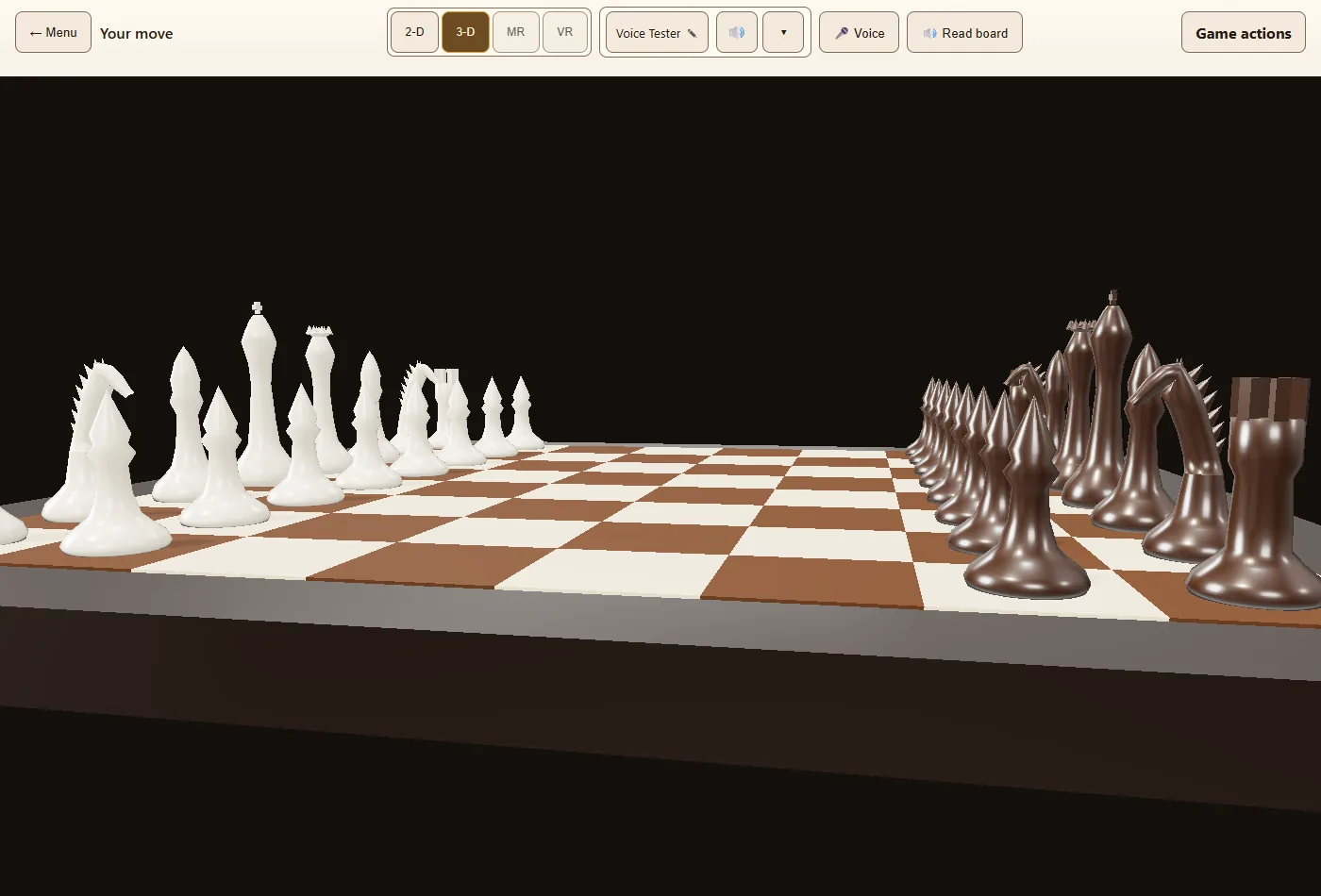
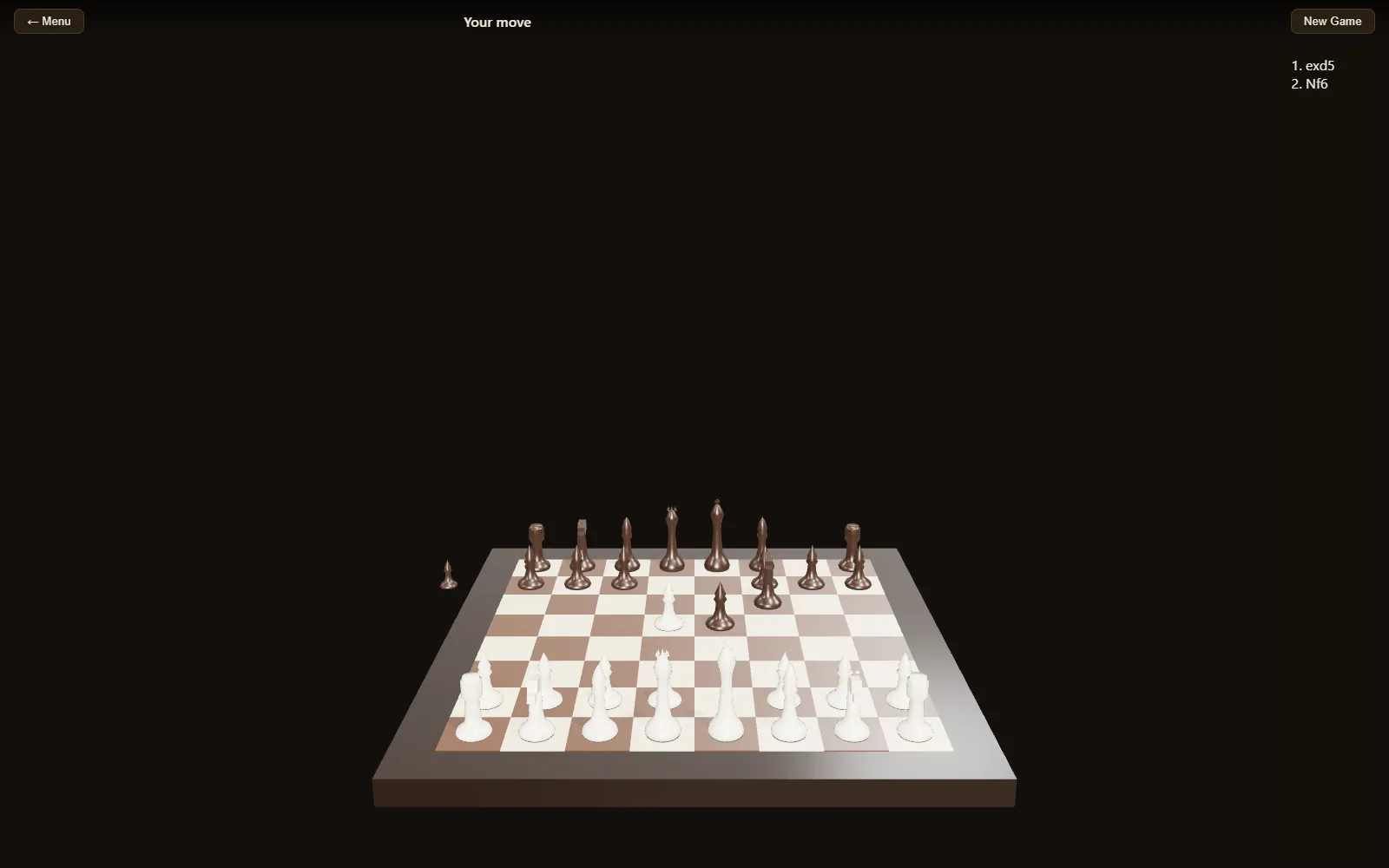
Chess in 3-D is a no-download browser chess experience for desktop, mobile and supported headsets. Visitors can begin with a local 2-D or 3-D game against Stockfish, keep an unfinished game in that browser, and move into registered online play when they want friends, ratings, history and replays.
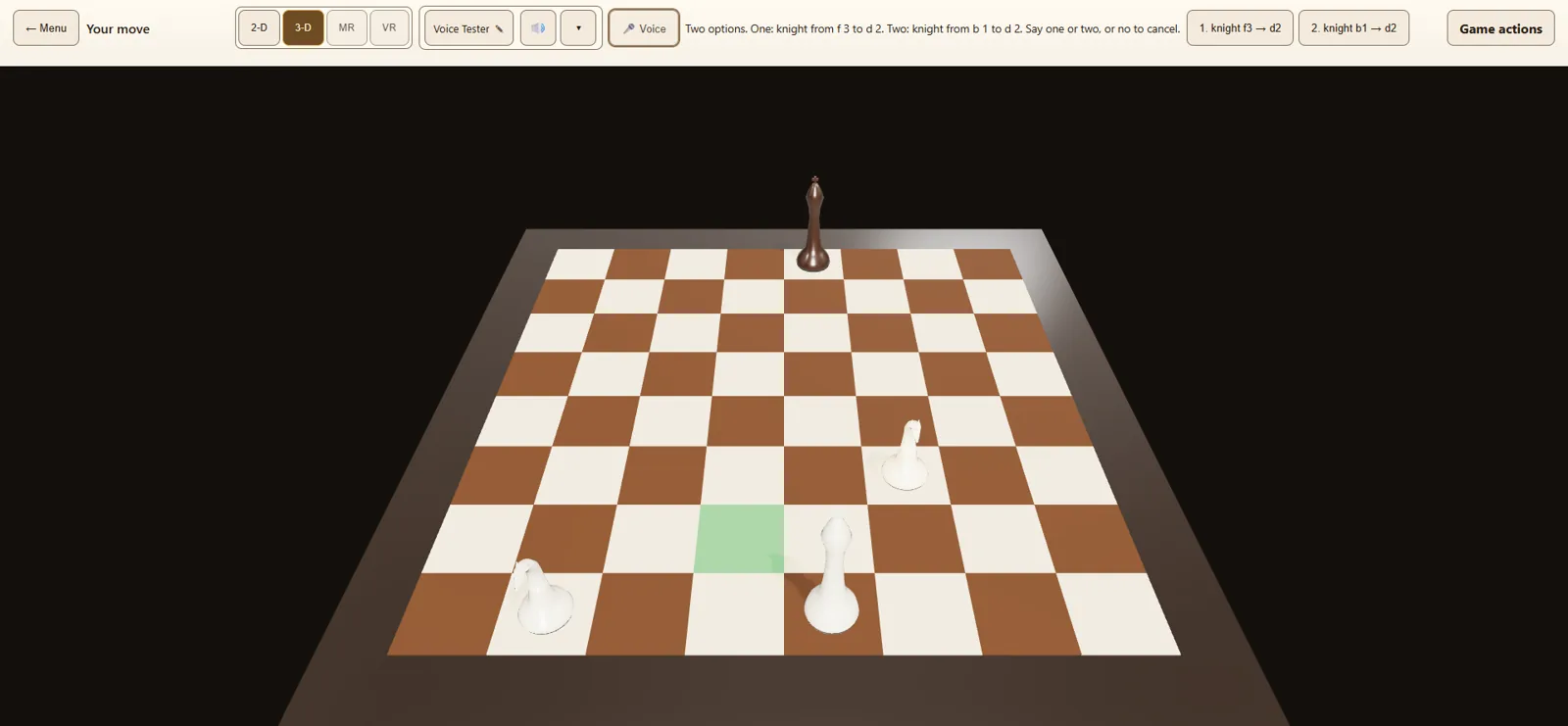
The project also includes voice-move input with confirmation, spoken board narration, custom piece sets and accessible controls. Its shared game state makes the browser board the starting point for a wider VR and mixed-reality experience rather than a separate demo.
Before you launch
At a glance.
Current project details, verified against the game’s implementation and official destination.
- Platform
- Desktop, mobile and supported web browsers
- Board
- Switchable 2-D and 3-D presentation
- Opponent
- Local Stockfish play or registered online rooms
- Input
- Pointer, touch and confirmed voice moves
- Progress
- Local saved games plus account history and replays
- Headset
- No headset required; a native Quest edition is available
Why this world stands out
Built around the experience.
Start before signing up
Visitors can open a local match against Stockfish immediately, then choose registered online play when they want rooms, ratings and history.
Two ways to read the board
Move between a familiar 2-D board and a dimensional 3-D presentation without treating immersive chess as a separate game.
Voice with confirmation
Voice-move input, spoken board narration and accessible controls broaden how a player can understand and operate the board.
Player questions
Know before you go.
Project information updated 2026-08-27.Can I play Chess in 3-D without an account?
Yes. A local game against Stockfish can begin without registration. Accounts are used for features such as online rooms, ratings, history and replays.
Does the browser game support a normal 2-D board?
Yes. The game supports both 2-D and 3-D board presentation.
Can I speak a chess move?
Voice-move input is part of the project and uses confirmation so a recognized move can be checked before it is committed.