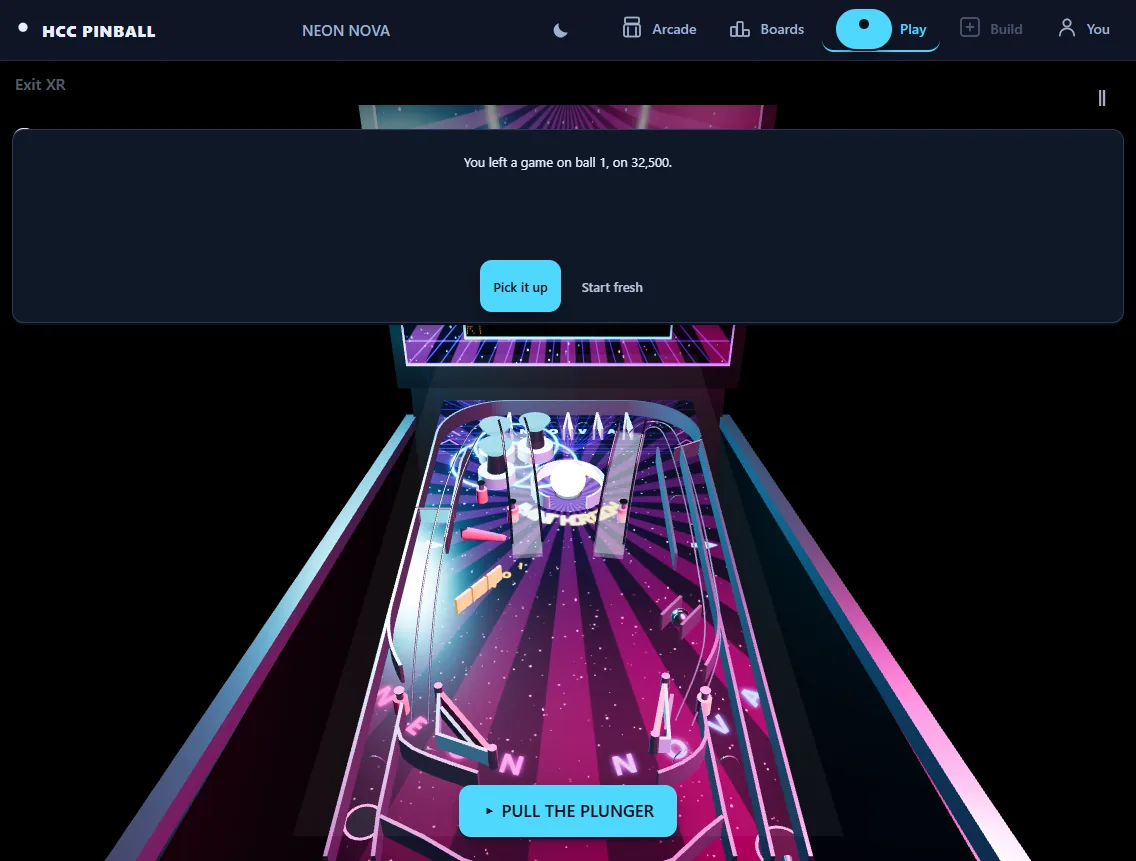
Choose the browser for the fastest launch
The browser edition opens from the official Pinball Arcade website in a modern browser. It does not require a headset installation, so it is the direct route for trying NEON NOVA on a desktop or mobile device and for sharing a playable link with someone else.
Its presentation keeps the full table visible on a conventional display. Exact controls can vary by device, so the live game’s on-screen legend remains the source of truth. Variable plunger strength, flipper timing, cabinet nudging, tilt, modes, multiball and local alternating play form the core machine experience.
Choose Quest when cabinet presence matters
The native Quest edition turns NEON NOVA into a spatial object. In VR, the machine becomes the centre of a neon arcade. In mixed reality, it can stand in the player’s room at full size or shrink into a tabletop cabinet. That change in scale and surroundings is the main reason to choose the headset edition.
Cabinet-side flipper buttons, a pullable plunger and physical cabinet contact make input feel connected to the machine’s shape. The Quest edition supports tracked hands and Touch controllers with automatic switching between available input methods.
Compare posture, space and comfort
A browser screen places the game inside an existing desk, couch or mobile setup. Quest asks the player to consider a clear reach path, headset fit and cabinet placement. A full-size mixed-reality machine is dramatic, but a tabletop scale may be more practical in a smaller room.
The native edition includes a seated comfort mode so the full game remains available without reaching around a standing cabinet. Players who prefer minimal setup may still find the browser edition more convenient for shorter sessions.
- Browser: immediate link, familiar screen and no headset requirement.
- Quest VR: a complete neon arcade around a spatial cabinet.
- Quest MR: room-scale or tabletop placement with the real room visible.
Use the same machine for different moments
The editions share the NEON NOVA identity and deterministic machine goals, but they are not interchangeable interfaces. Browser play prioritizes reach and speed. Quest play prioritizes physical scale, spatial sound and presence.
Start in the browser when you want to learn the table or send someone a direct playable link. Open the Quest edition when you want the machine to occupy space, use headset-first interaction or move between virtual reality and mixed reality.